Record on any cheap USB voice recorder, or just talk into your phone. Clionote transcribes it, works out what it is, writes the summary, pulls out the action items and tags it. All on your own device. £4.99, once.
Android · one-off price · on Google Play
The AI recorder crowd wants to sell you a device, then a plan, then keep your audio on their servers. We went the other way.
You don't need a £150 clip-on to record your voice. A generic USB recorder does the job, and so does the phone already in your pocket. Clionote reads the files, whatever made them.
No monthly minutes to ration. No "Pro" tier gating the good features. Buy it once and transcribe as much as you like, because it's your phone doing the work, not our servers.
There is no Clionote server. Transcription runs on your device. AI summaries and chat run on-device too, or go straight to your own OpenAI or Anthropic account. We never see a word of it.
Three steps. No setup wizard, no account, no pairing.
A cheap USB voice recorder from the drawer, or the Live Dictate button in the app. If it makes a WAV file, Clionote can read it.
Connect the recorder to your phone or PC and hit Transcribe and Interpret. Every new recording on the drive gets transcribed and summarised in one go. Already-done notes are skipped.
Each note gets a title, a summary and its action items, sorted as a meeting, personal note, instructions or general. Tagged, searchable, and ready to chat with.
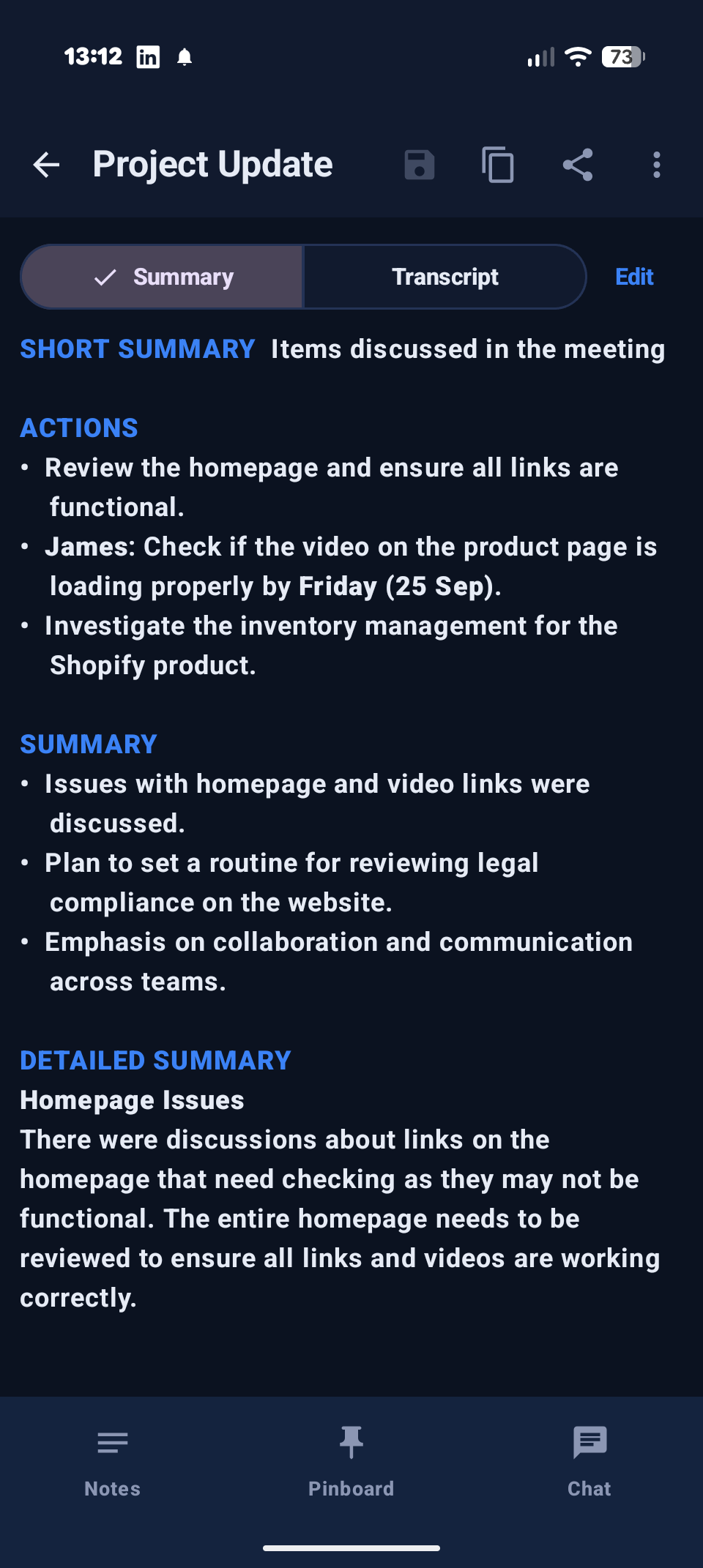
A few screens from the Android app.
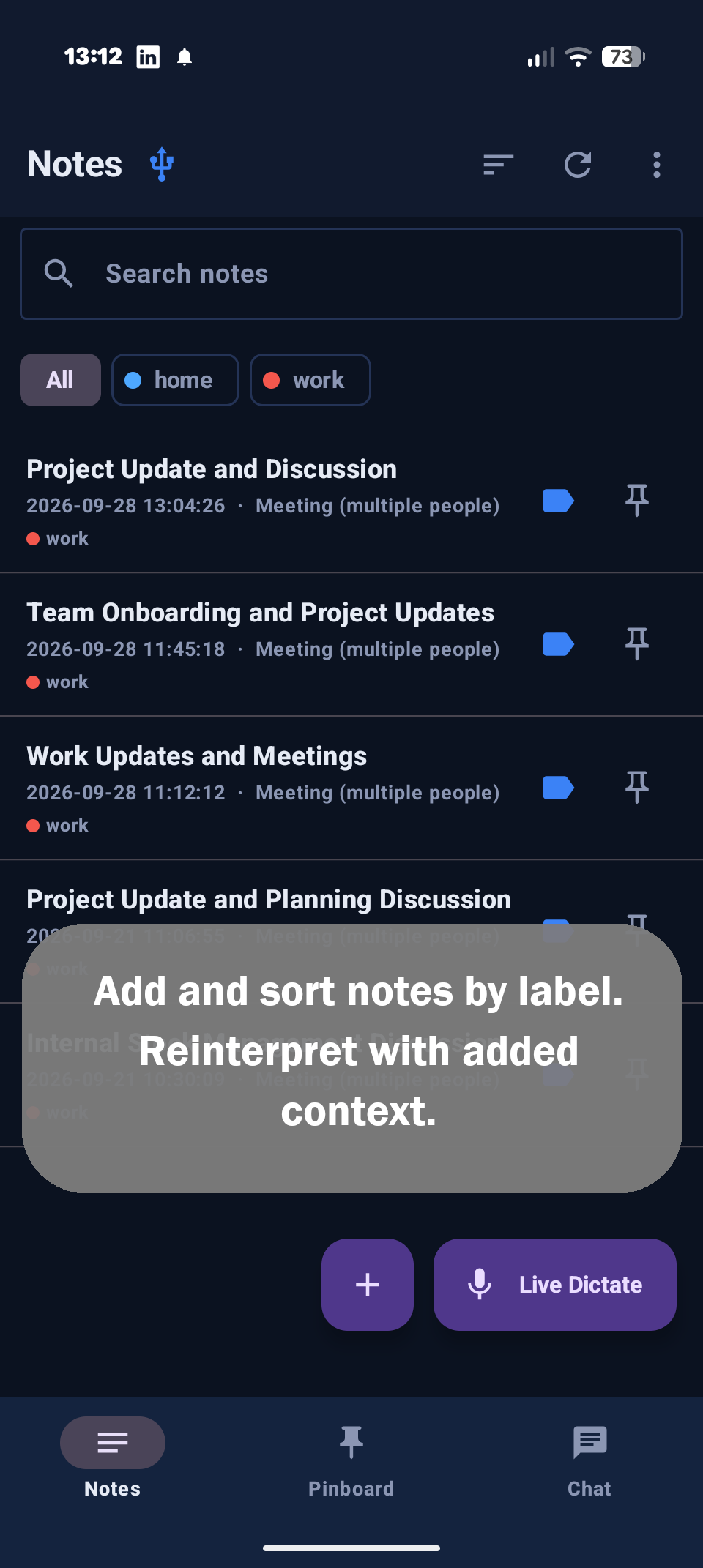
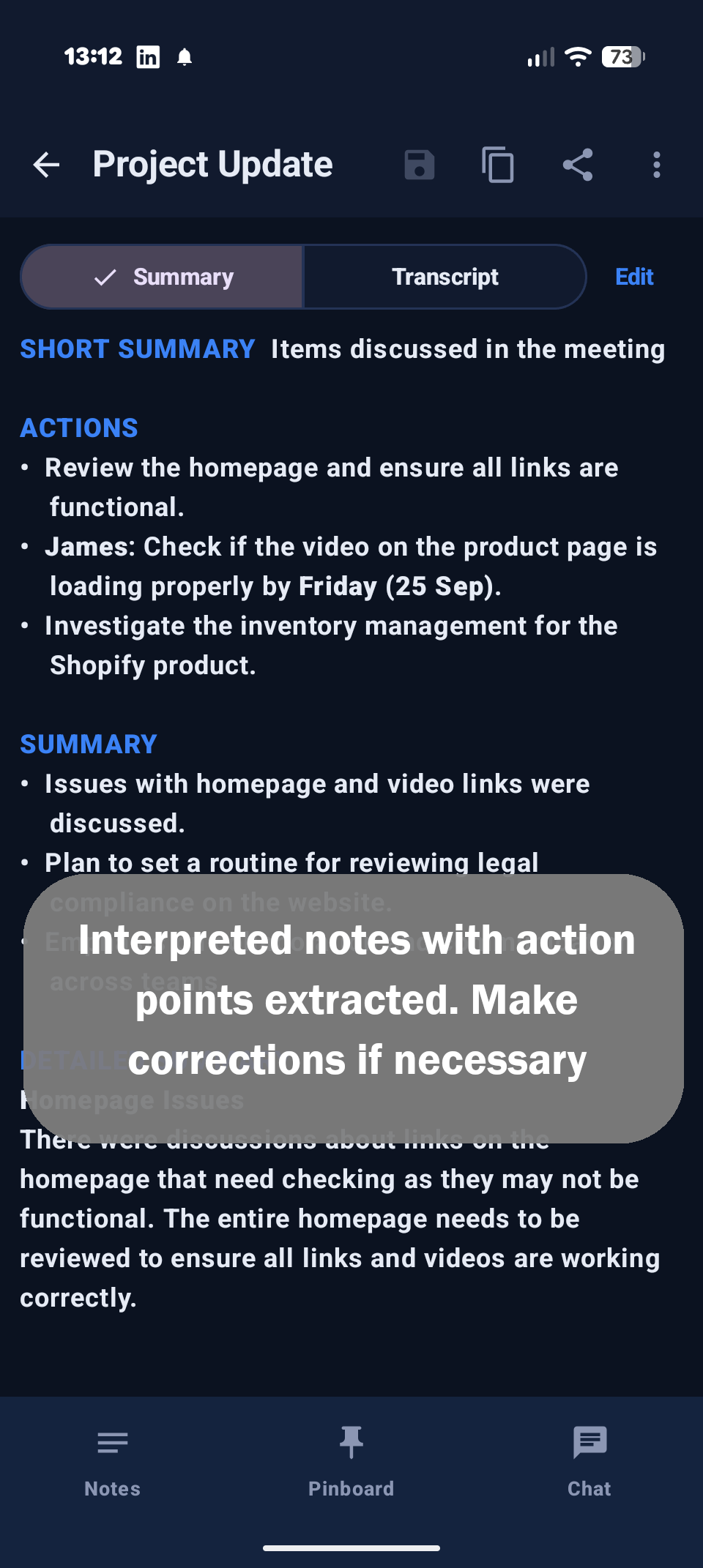
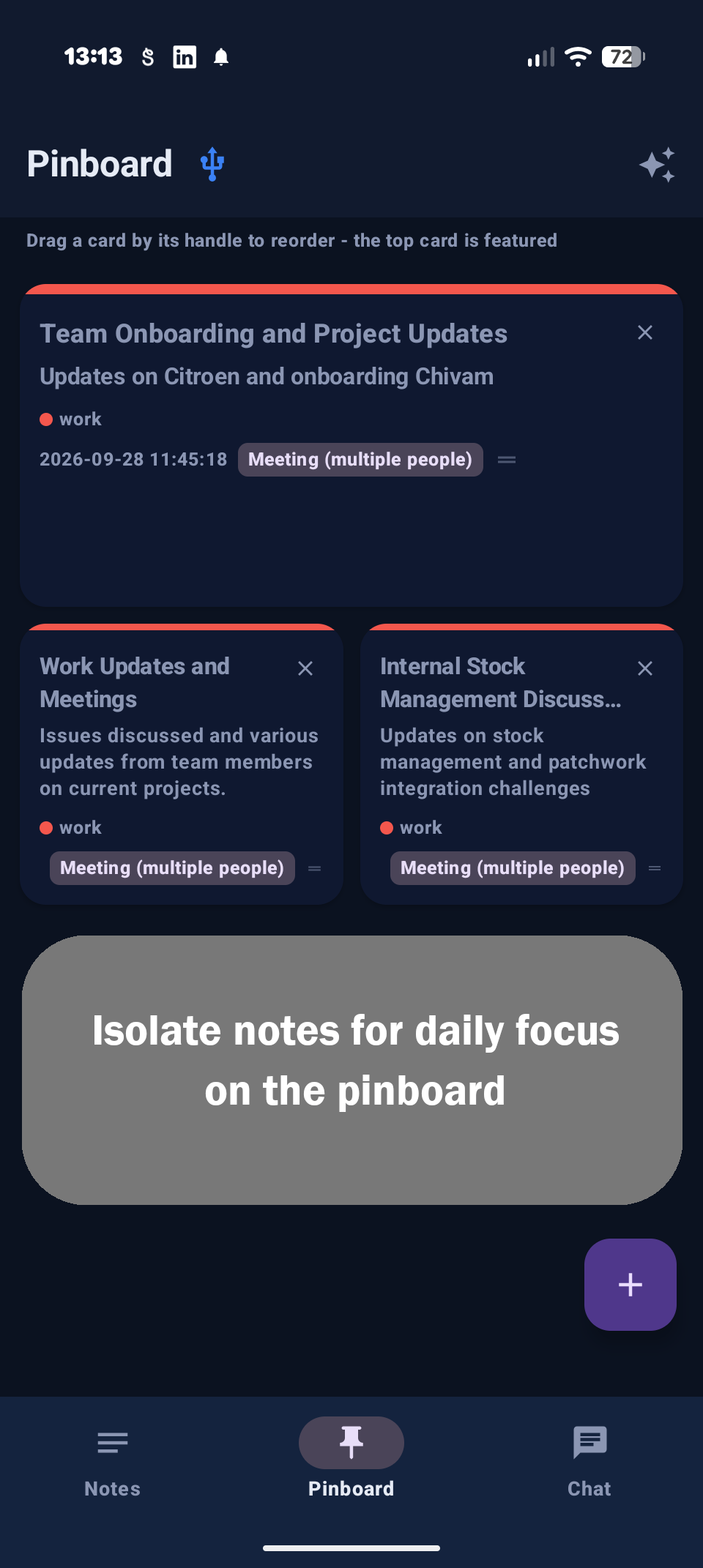
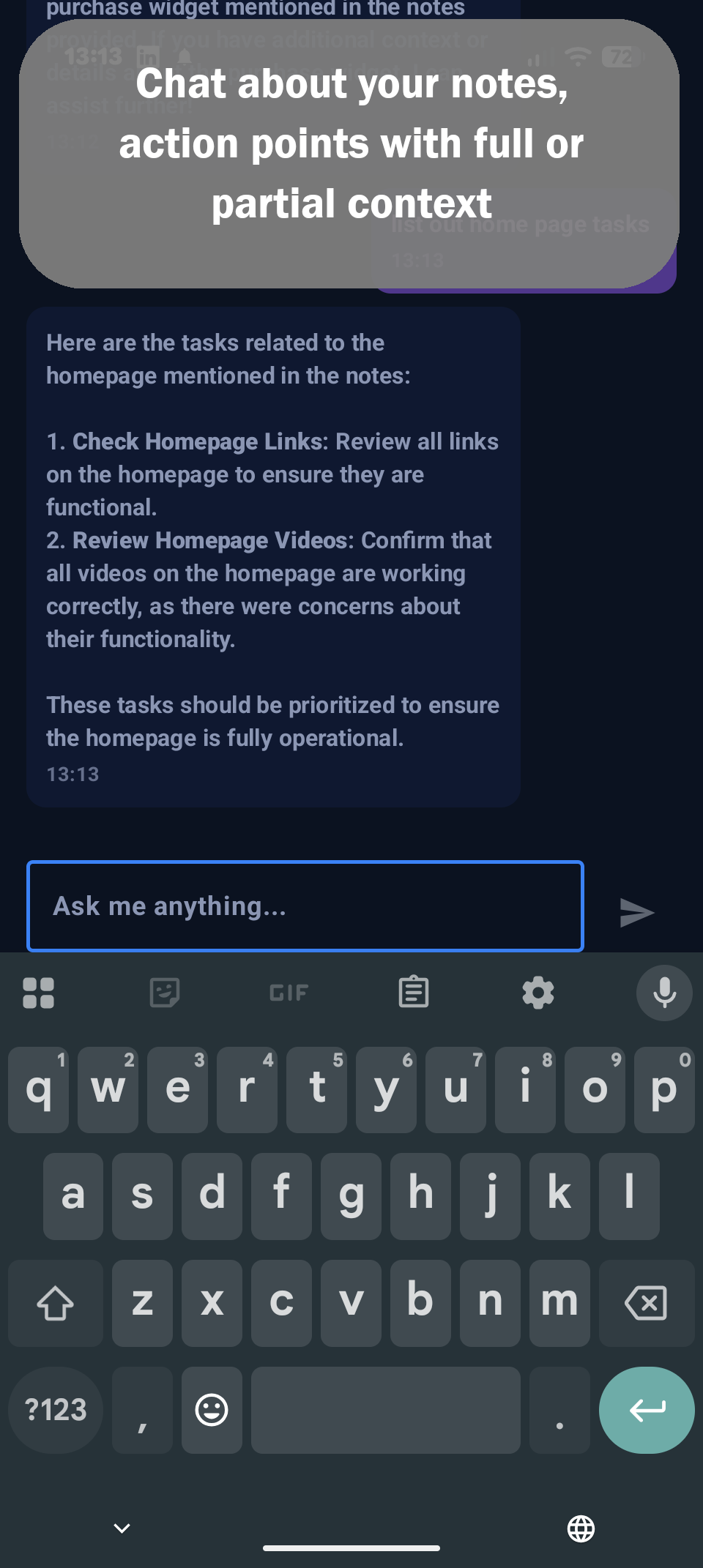
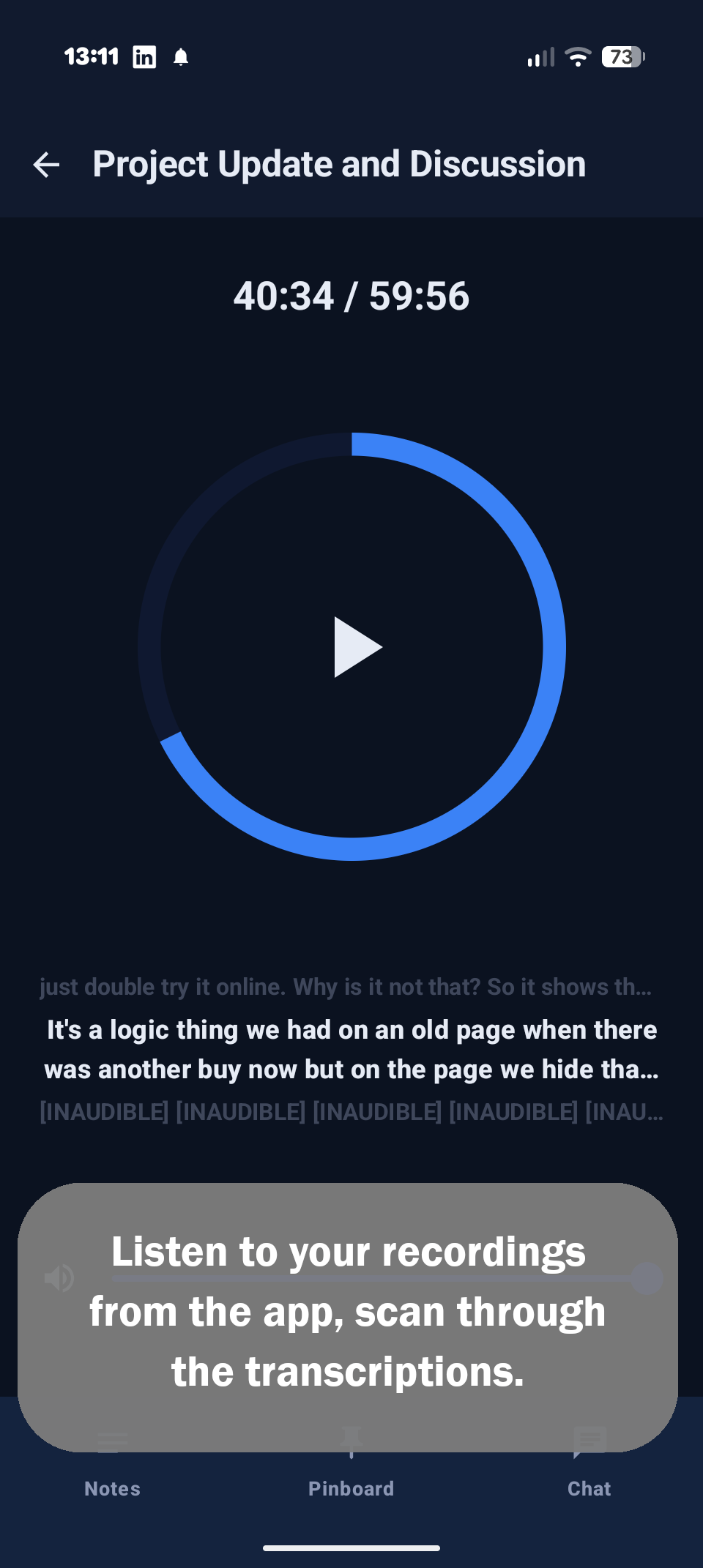
Capture on whatever's closest. Let the app do the tidying.
Whisper speech-to-text, downloaded once and run entirely on your device. No upload, no minutes cap, and it works on a plane.
A meeting gets decisions and action items. A shopping list stays a shopping list. Every note is classified first, then summarised the right way, with a title written for you and tags suggested from the ones you already use.
Every note is an ordinary text file in a folder you choose. Open it in anything, back it up however you like, and take it with you if you ever leave. No export button needed.
"What did we agree about the pricing?" Ask in plain English and get an answer grounded in the actual transcript. Chat with one note, a selection, everything pinned, or every note matching your current search.
Every note keeps its recording. Play it back in the app, and if the transcript missed something, hit Retranscribe with the quiet recording or background noise setting flipped on.
Colour-coded tags you define, one-tap filters, and a pinboard for the notes you keep coming back to.
No recorder to hand? Tap the mic, talk, and watch the words appear. Uses your phone's own on-device speech recognition, so nothing leaves the handset. The screen stays awake while you ramble.
Needs Android 13 or newer.Transcribes English, French, Spanish and German out of the box.
Flip one switch and the AI runs on your phone too, using Google's Gemma 3n. Not as sharp as GPT or Claude, but free forever and it never leaves the handset. Or plug in your own OpenAI or Anthropic key for cloud-quality answers, billed by them, not us.
Local model is a one-time 3.4 GB or 4.6 GB download. 6 GB+ RAM recommended.Ideas turn up in the car or halfway through something else, then vanish. If you have ADHD, or just a brain that runs faster than you can write things down, talk it out now and sort it out later. No folders to pick, no typing, no blank page.
In Greek myth, Clio was the Muse of history, the keeper of the record, usually shown holding a scroll. Her mother was Mnemosyne, the goddess of memory. Clionote keeps your record, so your memory doesn't have to.
I built Clionote because I wasn't comfortable sending private company meetings to a third party just to get them transcribed. So it doesn't. Your recordings stay on your phone, and what happens next is your call.
Transcription runs on your phone, so your audio and your words never reach us. There is no Clionote server to send them to, which means there's nothing for us to store, read, analyse or lose in a breach.
Keep it fully on-device with Gemma, or bring your own OpenAI or Anthropic key. With your own key, note text goes straight from your phone to the provider you picked, under your account and their terms. Never through us. Your key is stored encrypted on your device.
Install it and start. No sign-up, no login, no email address, no usage tracking, no ads. The only thing I've ever asked for is an email address for the updates mailing list, and only if you chose to give it.
Plaud and Pocket make genuinely good products: polished hardware, slick apps and strong AI summaries, and plenty of people love them. If you want that all-in-one experience and you're happy with cloud processing, they're worth a look. Clionote is for people who'd rather keep it private, skip the subscription and use a cheap recorder they already own, one that's no loss if it goes missing and costs next to nothing to replace.
Competitor figures are from Plaud's and Pocket's public US pricing pages as of September 2026, rounded. Their plans and free tiers change, so check their sites for the latest. Clionote isn't affiliated with either.
Clionote isn't tied to any hardware and doesn't sell any. It's built for the cheap, generic voice recorders millions of people already own.
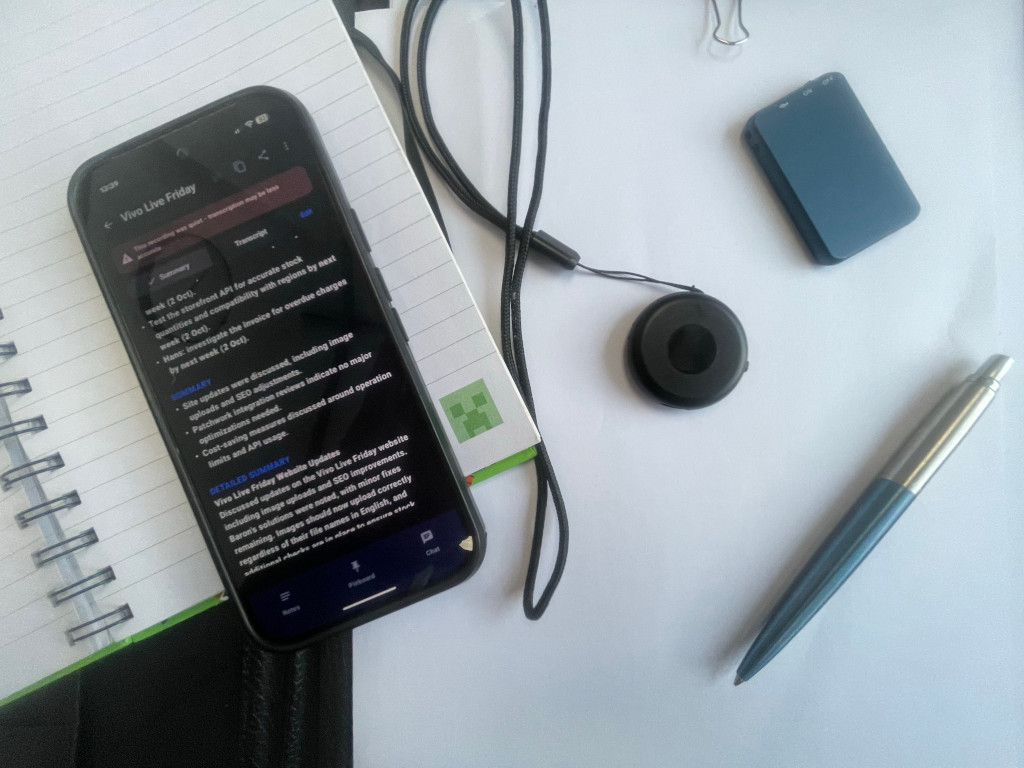
Just an example, not a specific product. Any plain USB voice recorder like this works.
One purchase, nothing after it. No subscription, no server, no minutes to count. Transcription runs on your device, and so can the AI, or it can talk straight to your own OpenAI or Anthropic account. Your data, your call.
Android 8.0 or newer.
An occasional email about new features and releases. That's it. No drip campaign, no "we miss you" nonsense.
 Clionote